Free Coding Environments: Google Colab, Streamlit, Replit
Why Use Free Coding Platforms?
As an AI developer, you need tools that allow you to write, run, and share code easily. Especially when you are just starting, it is best to use platforms that are free and do not require you to set up complex infrastructure.
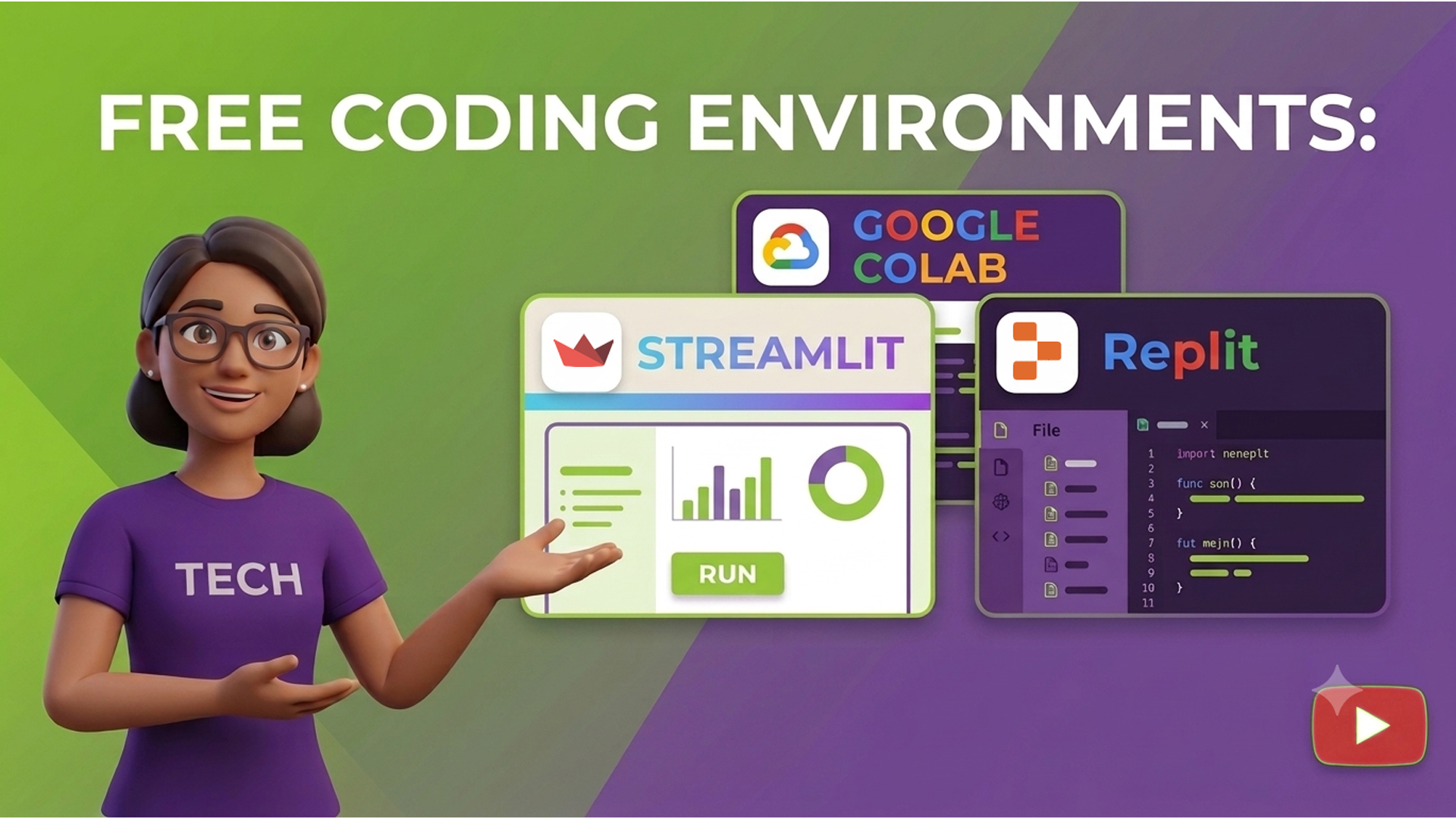
Three powerful tools used by AI developers worldwide are:
- Google Colab – for notebooks and experiments
- Streamlit – for building and deploying web apps
- Replit – for real-time, browser-based coding and collaboration
Each tool serves a unique role in your development journey.
Google Colab – Run Python in the Cloud
Google Colab is an online notebook environment built by Google. It allows you to write and run Python code in the browser. It is especially popular in data science and AI communities.
Key features:
- Free cloud-based access to CPU and GPU
- No installation required
- Notebook format allows for combining code, text, and images
- Easy to share and collaborate
Use cases:
- Test AI models and APIs
- Write and refine prompts
- Try sample code before deploying
Getting started:
- Go to https://colab.research.google.com
- Click New Notebook
- Write a line of Python, like print(“Hello Generative AI”)
- Press Shift + Enter to run
Streamlit – Build and Share AI-Powered Web Apps
Streamlit is a Python framework that turns your Python scripts into interactive web applications. You can build apps for text generation, form submissions, file uploads, and much more — all using simple Python code.
Key features:
- Build dashboards and tools without HTML or JavaScript
- Deploy directly from GitHub using https://share.streamlit.io
- Supports input forms, buttons, sliders, and markdown
Use cases:
- Build an AI assistant
- Create a resume analyzer or Q&A bot
- Host your app with a public link
Getting started:
- Sign up at https://streamlit.io
- Install Streamlit (if using locally): pip install streamlit
- Write a script:
import streamlit as st
st.title(“Welcome to my AI app”)
- Run locally using: streamlit run your_script.py
Or deploy from GitHub for public sharing
Replit – Code Together, in the Cloud
Replit is an in-browser code editor that supports multiple programming languages. It allows real-time collaboration, similar to Google Docs but for code.
Key features:
- Instant coding without setup
- Run and preview Python, HTML, JavaScript, and more
- Free hosting for small projects
- GitHub integration for version control
Use cases:
- Collaborate with classmates or teammates
- Prototype small AI tools
- Host chatbot APIs and widgets
Getting started:
- Visit https://replit.com
- Sign up and click Create Repl
- Choose Python or HTML + JS
- Start coding and click Run
When to Use Which Platform?
| Platform | Best For | Requires Installation? | GitHub Integration? |
|---|---|---|---|
| Google Colab | Testing code, writing notebooks | No | Yes |
| Streamlit | Building shareable apps | Yes (for local use) | Yes |
| Replit | Quick prototyping and hosting | No | Yes |
Together, these tools allow you to build a complete project — from idea to code to deployment — without ever leaving your browser.
Summary – Key Takeaways
- Google Colab is perfect for experimenting with code and writing in a notebook style.
- Streamlit is best for building and deploying interactive web apps with AI.
- Replit is great for real-time collaboration and hosting small projects.
- All three platforms work well with GitHub and are ideal for Generative AI learners.
Citations :
Critical thinking challenge question :
Choose one platform: Google Colab, Streamlit, or Replit.
- Create a simple “Hello World” style project.
- If using Streamlit, build a single-page app with a title and a button.
- If using Replit, build a basic chatbot prompt using input() and print().
Submit the project link and one paragraph explaining what you built and which platform you used
Watch this video for further learning:
Free Coding Environments: Google Colab, Streamlit, Replit
Are you ready for the quiz?
Hashtags :
- #GPSforLifeAndCareer
- #ConsciousIntelligence
- #Kidswiki
- #MindInTheMaking
- #RelevanceInEducation
- #MeaningfulLearning
- #RealWorldSkills
- #SafeContent
- #360DegreeDevelopment
- #Skillioma
- #BeyondCurriculum
- #SkillsBeyondSchool